

TheQuest
Searching for the signal.
Building things at the edge of work, tech, and culture.
Welcome to the other side of the noise.
Building things at the edge of work, tech, and culture.
I build whatever software pops into my head.
Sometimes it's an idea I can't shake. Sometimes it's something I've seen done poorly that I knew I could do better. Whatever it is, the goal is the same: make it the best in its category, or as close to that as I can get.
Useful, sharp, and clean.
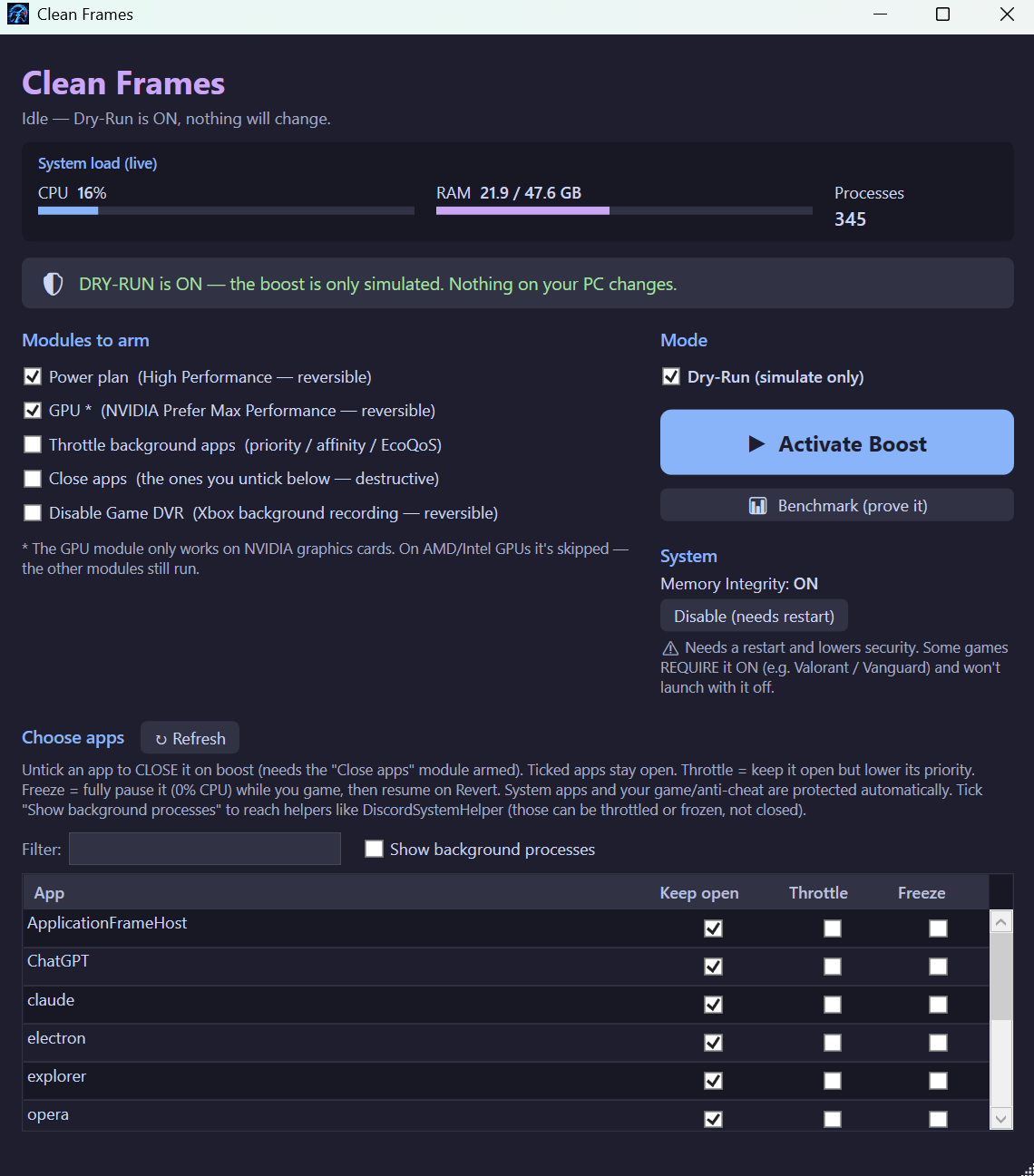
Flip it on and Clean Frames forces a high-performance power plan, sets your NVIDIA GPU to "Prefer Maximum Performance", and optionally closes, throttles, or freezes background apps. Flip it off and every reversible change is undone. A built-in A/B benchmark (Intel PresentMon) measures your frame-times before and after — so you can see exactly what it did.
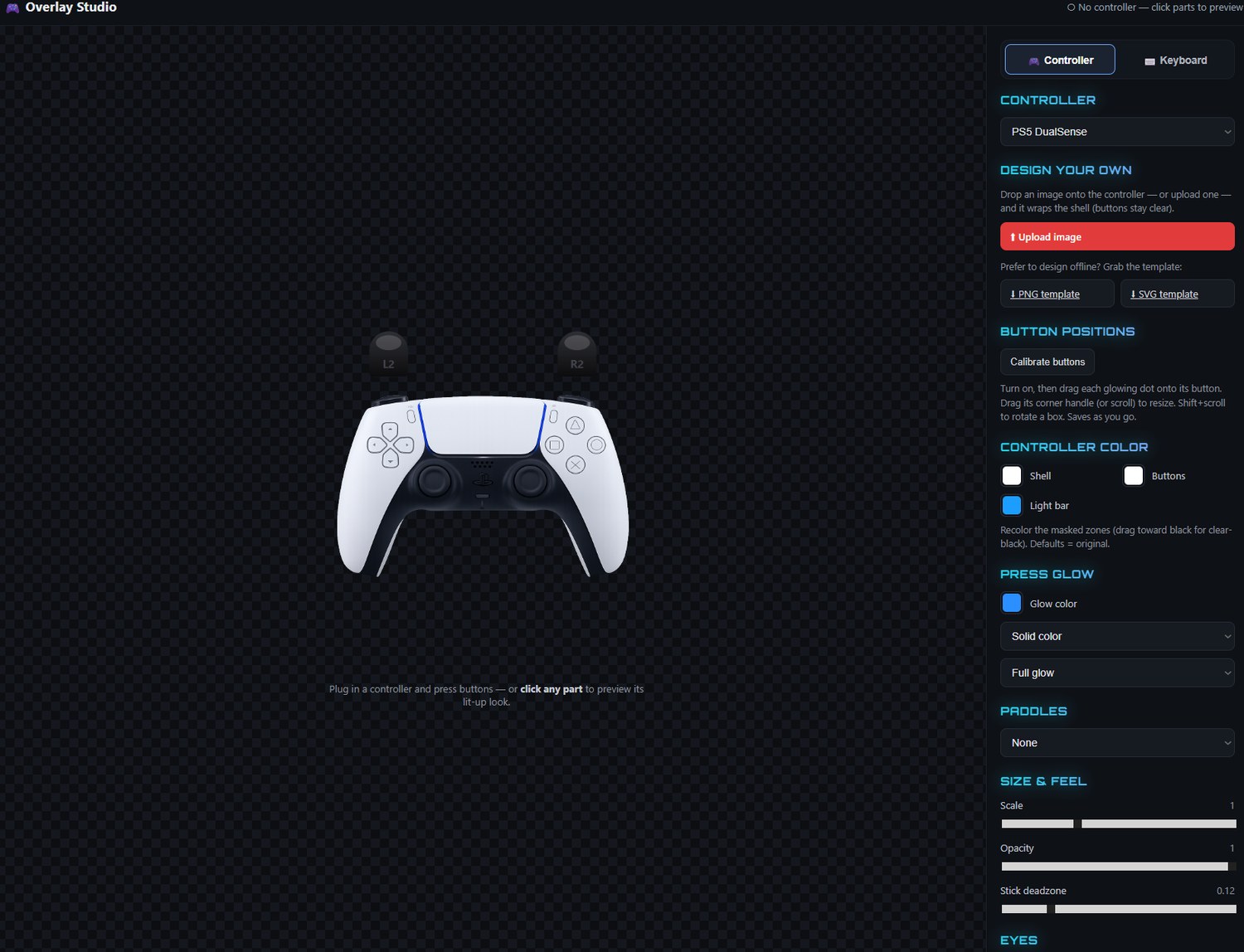
Pick a device — a controller or a keyboard (+ mouse) — choose a skin, recolor it, add a creator code, then copy one URL into an OBS Browser Source. The on-screen device lights up live as you play. No build, no install, no backend — it all runs in the browser.
A single-page diagnostic tool for HID controllers (deep DualSense support). All telemetry runs locally over WebHID — nothing leaves your machine. Click 1000 Hz and a tiny background helper drives the driver tool off-screen, then the page auto-reconnects and verifies the new rate live — no windows, no manual steps.
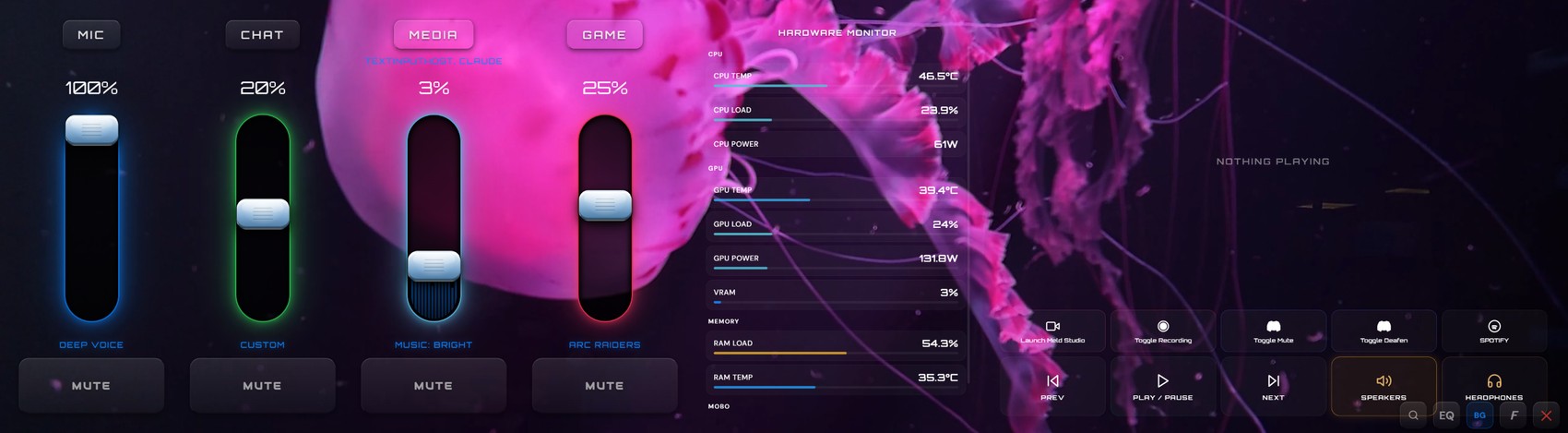
Volume sliders, mute buttons, EQ presets, and spatial audio for your four Sonar channels — Game / Chat / Mic / Media — all from your Xeneon Edge (2560×720). It auto-detects the display and opens fullscreen on it. Built in Python; runs as a standalone app, no browser involved.
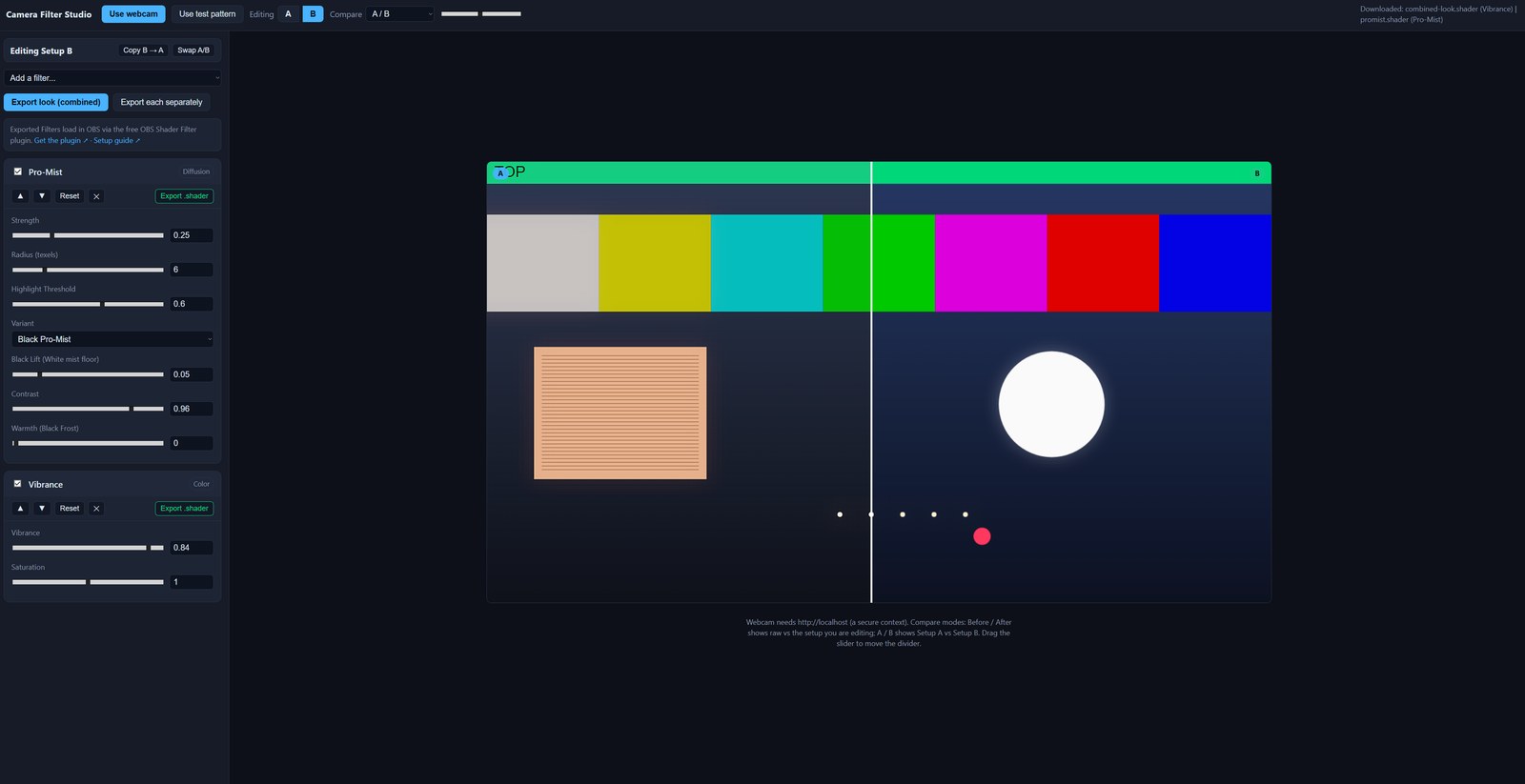
Stack up filters — Pro-Mist diffusion, film grain, halation, color grade, split-tone, vignette and more — tune every slider against your live webcam or a test pattern, and A/B compare as you go. When it looks right, export and drop the shader straight into OBS. What you see in the browser is exactly what renders on stream.
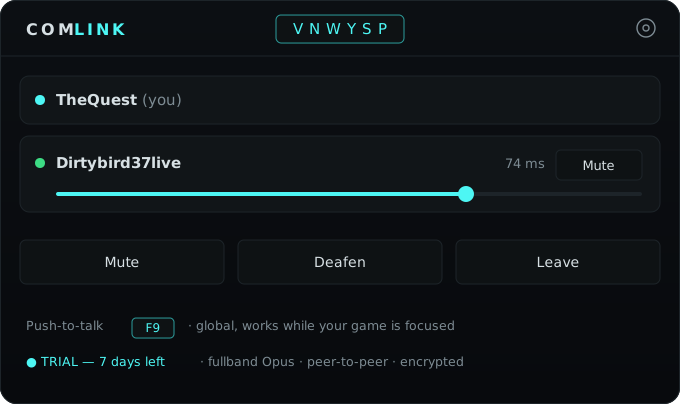
Fire it up, create a room, share a 6-character code — and you're talking in fullband Opus, straight peer-to-peer between your machines. No servers relay your audio, no Discord-sized performance hit. It sits quietly in your tray with a global push-to-talk that works while your game is focused — without ever stealing the key from the game.